About The Cyberwolfe

The owner of dis 'ere blog.

My Lethurwurkz… Let me show U dem.

First, this is just too damn funny.

Humorous Pictures
see more crazy cat pics

Okay, on to the long awaited …

A Post!!!!!1111!!ONE

Yes, I have been reading too many LOLcatz. Deal.
On to the show.

So as you know, I have been messing with leatherworking for over a year now, but I have only recently sat down and decided to do some carving. The whole “cut stuff out and rivet it together” part comes fairly naturally to me, having been trained as a metalworker back in the days of yore (and high school.) It was time I did something a little more challenging, so I sharpened up my swivel knife and got to some serious doodling. Take this, for example:
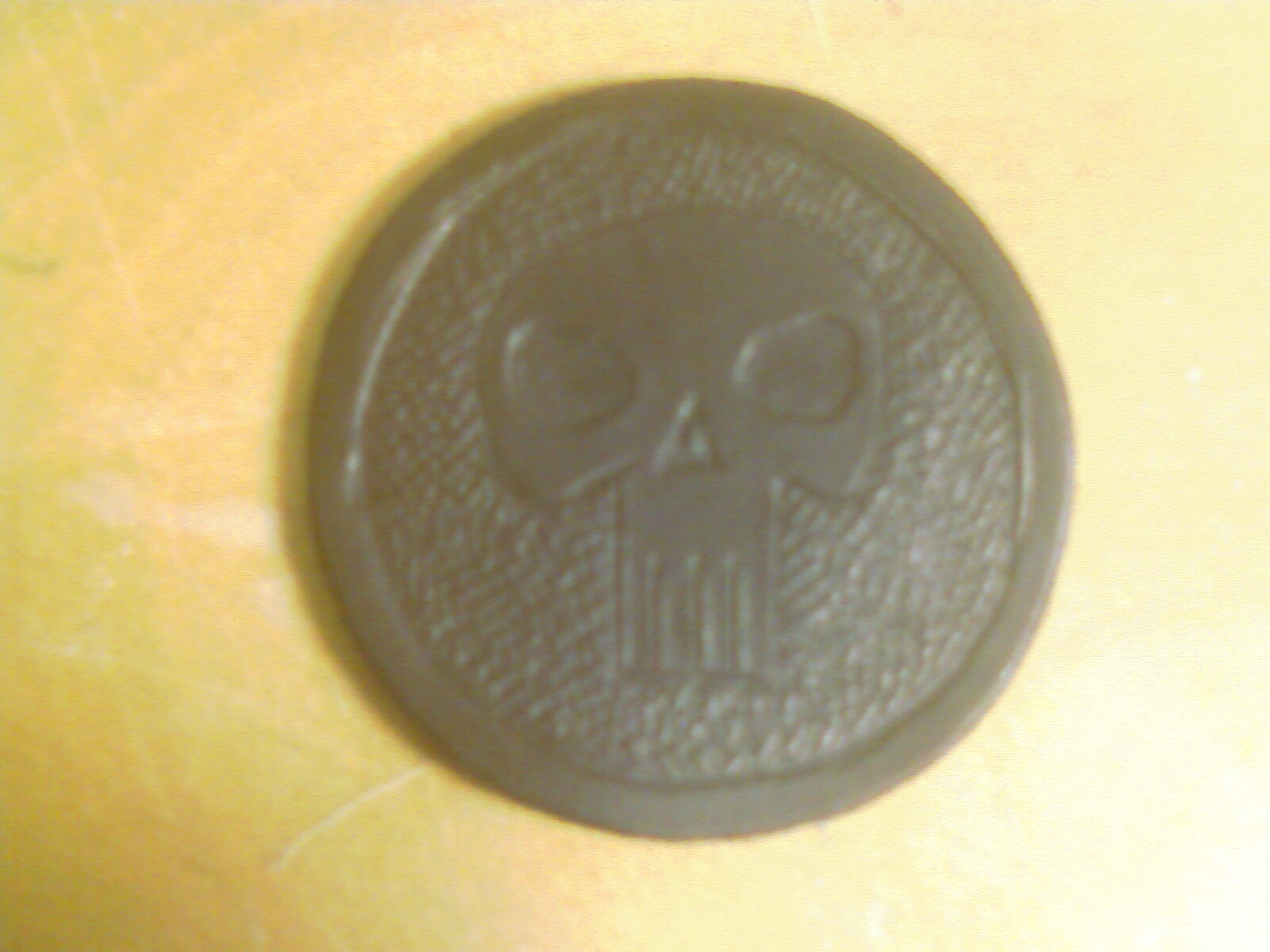
Yarr

Now, detail is pretty poor due to me using my phone’s camera, but it didn’t turn out too bad for a doodle. And yes, by the time I am done doodling, I will have a new set of coasters for the coffee table.

Once I had carved the design, though, I realized there needed to be some sort of background treatment done to help it stand out – but I had neglected to buy any backgrounding tools. Tolerant, however, in her brilliance, gave me a Dremmel tool for Xmas, and I happen to have a couple of lag bolts lying around with no better use, so I put two and two together, came up with 5, and decided to shave that down to a proper 4. The result is too small for my phone to get a good picture, but the effect is visible in the skull doodle. A simple cross-hatch pattern that does a decent job of squishing the background into the background.

So, after much doodling on the little coaster cutouts, I decided it was time to graduate to something a little larger and I bought some good tooling belly to play with. It’s about twice the thickness of the coasters which allows me to cut a more visible picture and get some real depth to it.

Like Celtic knotwork.

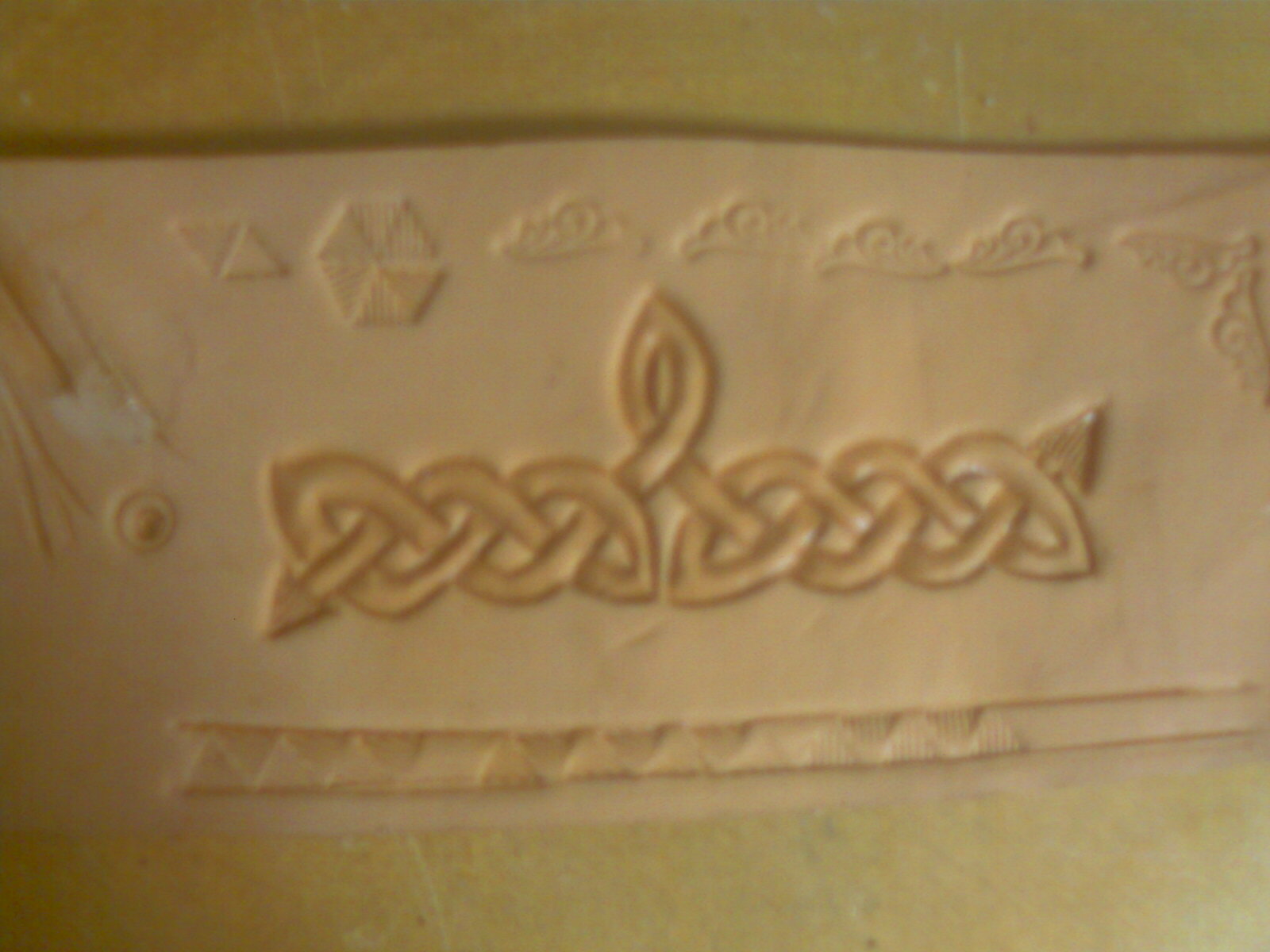
If you think drawing knotwork can tie your fingers up, try carving it with a small knife sometime. This came about while I was designing a new set of arm bracers for myself – I wanted to put my stylized compass rose motif on them, but realized there needed to be a border of some sort.

I was originally against the idea of knotwork due to another artisan on the Faire / SCA circuit who borders a lot of his stuff with knotwork. Besides – it looks so damned hard to carve :) So, I experimented with a few geometric designs that will probably work pretty well, but didn’t quite strike me as being very period.

While digging around on the Net for some examples of actual period stuff (and there isn’t much) I decided to go take a second look at the afore-mentioned “other guy’s” stuff – and discovered that he isn’t really even doing knotwork. He just does a three-strand plait. (See this reference for a complete description of a three-cord plait and knots.) On top of not really being knotwork, he never finishes it – it just runs right off the edge of the piece on it’s way back to Ireland, apparently offended at not being done right.

Well, if he’s going to cheat it, I can feel free to do it right! Here is most of the “Mark II” design for the arm bracers:

mkII

I have never claimed to be an artist, but I am a pretty decent draftsman – so I usually put things together on graph paper. Here you can see that I had to cut several pieces of graph paper out to get the knots suitably centered and rotated on the main pattern.

While it is not a terribly ornate design, I am pleased that both sides come out not as a three-cord braid, but rather a single strand woven back through itself from one side to the other. And, through the wonders of transparent tape and a scanner, I now have a re-printable pdf of the design complete with graph lines that I can use in future projects.

But, before I jump off the deep end and carve the actual bracers, I thought I should practice that knotwork. Here are a couple of small pieces:

Normal…
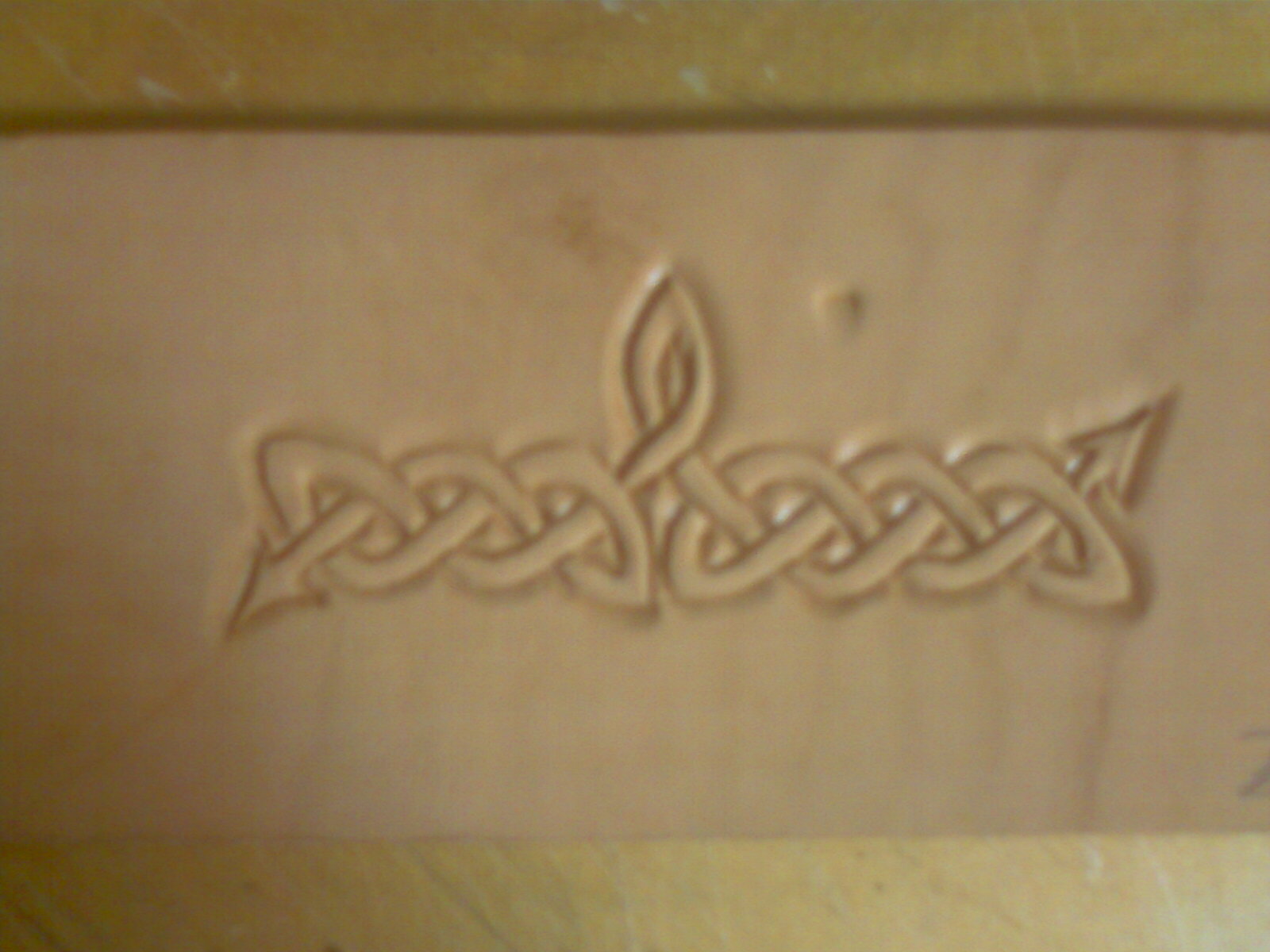
Normal

…and Inverted
Inverted

The difference between the two is which part gets the beveling. Normally, you bevel outside the design so it stands out, and you can make it stand out further by using a background tool on the surrounding area. In Inverted, you (obviously) bevel the design itself, and leave the rest of the work alone. I will probably be using this second method for border designs. The only tricky part in using this method on knotwork is getting the ‘over’ strand to look like it is really crossing the ‘under’ strand. Obviously, more practice is required.

Road Hazard Alert!

After much practice, I must report that the Ratboy has finally gotten his driver’s license. Be on the lookout for a white 1993 Toyota Corolla ;)

Funnily enough, he got the same score on his test as I did way back when, and for similar reasons – but those reasons have different causes. I was in a 1974 Dodge Dart Swinger Special, a 3000 pound car with no power steering that handled like a pregnant whale. Ratty’s car, on the other hand, has a slippy clutch. In either case, we firmly blame technical difficulties, not driver error.

Whaddya mean you don’t support this?!?

A new client was sold a block of 5 static IP addresses for their business by Qwest.

I was dispatched to the client to set up their firewall to make use of these.

Pretty straightforward so far, right? Little do you know.

So I call up Qwest support, because the DSL modem is currently configured to offer DHCP and NAT translation, which is not the end result we want – we need it to just act as a gateway. Strangely enough, I get Bill on the line, who actually used to live around here. (No idea where he is now, he never said.) He promptly tells me that while he understands what I want and has a vague idea of how it is done, it isn’t actually supported by Qwest to do so.

Uhm, excuse me? you mean to tell me that while your company has sold me this product, they don’t really support it, and you have no official instructions on how to configure the modem to make it work?

“Uhm, yeah.” Sez Bill.

Oi.

Being the nice guy he is, however, Bill does his best to help me get things going. I’m pretty sure that at some point he did not actually understand what I was aiming for, but we plowed on nonetheless trying a number of different combinations of settings. During the course of this, Bill let’s me know that one of his supervisors wandered by a few minutes previously and commented that “we don’t really support that”, intimated that it shouldn’t take that long to do, and then wandered off.

“What? Bill, go lasso that man and get his ass onna phone. If he knows how to do it, why the hell are the two of us floundering around with this crap? Track him down!”

It takes a few minutes, but Bill does manage to convince him to get on the phone. And guess what – 10 minutes later, we’re up and running.

Total time on the phone: 2 hours, 15 minutes. Time actually needed for the whole call: 15 minutes, had Bill had proper documentation for this config.

Bill, thanks for being a sport – sorry I killed your stats for the day.

For the rest of us, here’s what you do:

HOWTO configure a Qwest DSL modem for static IP range

1.) Default the device. Maybe not necessary, but it won’t hurt you. Stick a pen in the reset hole until the power light turns amber, then release. The unit will reboot to factory settings, which include serving DHCP.

2.) Run IPconfig, and point a browser to the Gateway IP address. No password required, you will get straight to the config page. Select “Non-Windows Setup”. (This is just a misnomer, nothing about this modem has anything to do with Windows. Just their way of keeping out the reg’lar folks who would be scared by it.)

3.) On that page, tick the radio button for PPPoA and enter the username and password supplied by Qwest. It will be in the < $username>@qwest.net” format – see figure 1. Save and reboot. When it finishes, you should get green lights across the board.

4.) Go back to the config page and select “Advanced Setup” and then click the button for “Begin Advanced Setup”. On this page, make sure it is again selecting PPPoA, and put a check in the box for “Unnumbered Mode” and enter your Gateway IP and Subnet Mask info – see figure 2. Save and reboot again.

5.) You should have Internet access at this point, and your computer should have received one of your static IPs via DHCP. Go back to Advanced Setup and find the DHCP settings, and turn them off. (Remember to go to the external gateway IP, not 192.168.0.1)

That should be it – your firewall should be able to use any of your static IP’s at this point.

modemconfig1_mod1.jpgFigure 1

modemconfig2_mod1.jpgFigure 2

It’s Alive – still!

As a full-time professional Geek, one of my biggest pet peeves is when my own technology fails me and I am forced to futz with it to make it work. My computers have, unfortunately, taken great pleasure in finding odd little ways to fuck with me, and as such I have become less and less daring over the past couple of years with how I play with them. Case in point: I am no longer even trying to run Linux on Hyperion / Rodimus Prime anymore, because there are times when I work from home and I just can’t have the thing acting up on me when I need to work.

This month, I have tried two modifications to my electronics. One should have been dirt-simple and simply worked, the other had the chance of actually damaging (if not outright bricking) the target device.

We’ll start with what should have been the simplest: I bought a new keyboard / mouse combo for Hyperion, my home workstation. A Logitech MX3200 wireless kit, with a Laser multi-button mouse. The main purpose of this was to change things around for appearances’ sake (much like moving the furniture or getting new artwork.)

The second purpose was for a little improvement in usability – my old BTC LED backlit keyboard is cool, but the space bar is sunk a little below the frame and I tended to miss it whilst pecking away at emails. I have also gotten spoiled by my work mouse which has programmable extra buttons, and I have set one of these to trigger a double-click with a single press. This comes in handy during remote-control sessions where a standard double-click may not be sensed right by the remote-ed computer.

I hooked everything up fairly easily, only to discover that when I built the machine something apparently went wrong with the USB driver installation and it would not accept any USB mouse I tried – it was throwing me “the data is invalid” errors every time I tried to install the mouse. I was eventually forced to do a repair install of Windows after verifying with a Linux live CD that the hardware was kosher. Which also meant I was forced to re-install all of the security patches released since that particular install CD was pressed. Ugh.

Even after this was finished, though, shit didn’t work. Ok, the keyboard linked up just fine and I had access to all the special functions, and the mouse would install and function, but it would grab the stock Micro$haft driver instead of the Logitech one. A quick trip to the Logi site got me an updated driver, and in it went. To my horror, however, I lost all the advanced keyboard features and still couldn’t get the right mouse driver.

So I rolled back to the original driver set and regained full keyboard, then went looking through the user forums. Lo and behold, there is much ranting about how these drivers just DO NOT WORK AS PACKAGED. PERIOD.

Gorramit!!

There is hope, however: if you edit the .inf file for the mouse, it is possible to get it to install directly. So, I chop away at it, but it still refuses to install. (It fails at a different point, however.) Time to talk to Logi support then. Their answer was to do a “clean boot” of Windows and try again – use msconfig to turn off everything for the next boot. (You basically get the next best thing to “safe mode” with this method.)

I can understand turning off antivirus and firewall, but EVERYTHING? Surely this can’t work!

Sonovabitch – it worked. With my modified driver, I might add. Points to TS for finding the solution, but serious negatives to the driver engineers who released this batch of absolute horse shit driver package. You guys need to take up self-flagellation.

On to the second improvement: modifying the memory settings of my T-Mo Wing PDA/phone.

This one is scary.

Short story: cell phones use memory for program and file storage AND running programs. If you add a removable memory card you can gain program / file storage, but it doesn’t help the basic running program space – even when you have installed the program to the card and not internal memory.

So, while my phone was typically running with 12-15MB of free storage-side internal space, the running program side of things only had 4-8MB free on average – which meant that space-hogging applications would crash frequently and I would have to reboot the phone every day or so – or any time I wanted to take a picture.

My original thought was to try and find a way to alter the amount of internal space allocated to file storage and free up some of that room for running programs. From the complete lack of mention of any sort of method to do this, I must assume that this is encoded in the hardware and unchangeable.

Dammit!!

There is hope, however: Paul at MoDaCo has researched this very same problem and discovered that the HTC Touch and the T-Mo Wing (also made by HTC) both share something in common: an overly-large pagepool.

Paul explained it best, so I’ll quote him:

Deep in the depths of the operating system of your device, there is something called the ‘PagePool’. Without going into too much detail (and as I understand it!), the PagePool is a special area of memory reserved for loading apps into from ROM. This PagePool is a lot faster than ROM, so when things are executed from this ‘cache’ instead, the performance of a device will be quicker. On the flipside, if you have a 8MB pagepool (HTC Touch) and you’re using, say, 4MB of the pagepool, then 4MB of space is wasted that could be program memory. Similarly if you have a 12MB pagepool (!) (T-Mobile Wing) in this instance you would we wasting 8MB of space!

Using serious amounts of Geek-Fu, Paul also discovered that it is possible to change this setting and reduce the size of the pagepool to free up space for running programs. The catch, however, is that this is not a setting or even a registry tweak: you must alter the ROM of the device.

This is a moderately tricky task involving downloading the ROM from your device, making the change, and loading it back in. When you reboot, the phone will read the new ROM and use those settings. If you make the wrong edit, however, you could screw things up badly or even completely brick the device.

Not for the faint of heart, obviously. But, being annoyed enough with the performance of my phone and needing to run a particular memory-hog of an app for work, I was left with little choice save for switching carriers and buying a new phone.

So I did some more reading and found a tool that reportedly will be able to restore the phone should the worst happen (this was released after Paul’s tutorial was written). Then I read the tutorial about 20 times to make sure I knew what I was doing and dove in.

I downloaded. I read the ROM into a hex editor and found the setting to change, changed it, saved it all, and crossed my fingers, toes and eyes as I depressed the LOAD key.

This is really scary here, because you load it from a command prompt, and it just sits there staring at you for about ten minutes doing nothing. You have no idea if it is doing anything at all, let alone working, and so you sit there drumming your fingers on the desk and waiting and watching and waiting and watching and…

*Blink*

The prompt is back and flashing at me.
The boot-cycle sound wave plays.
Time slows to a crawl as I watch the Today screen load piece by piece. Is it slower than usual? Has it speeded up any? I can’t tell.
Finally, some ten millenia later (subjective time) it finishes booting and it looks like everything has worked.

No way. It worked?!?

I tap away to get to the memory status page, and there is the result: 14Megs free.

Only time will tell, of course, but I have thrown everything I can think of at it tonight, and the darn thing just keeps running.

Paul, I bow to your expertise and daring in having figured this out before there was any way to fix it should you have screwed up.

Now do me a favor and get a job at Logitech, will you? they need your skills.

Know your demographic, wot?

So I’m driving the Pookster to school this morning, minding my own business and listening to the radio when the ad hits the air. The voice is female, and from tone, inflection and grammar I suspect caucasian, mid-thirties, reasonable education. Your basic suburban soccer-mom. The kind of voice I typically ignore in a radio ad, because the chances of them shilling something interesting is pretty small – these voice talents usually push things like spa treatments and shoe sales.

And then what she’s saying sinks in.

“My husband has always had this small suspicion that our daughter isn’t his – I’ve always known he is the father, but he wasn’t always sure. Now, I can prove it once and for all with the $Company Home DNA-test Kit!”

Blink-blink. WTF?!?

That’s right, folks – you can now go down to your local pharmacy and get a DNA testing kit right off the shelf without having to go to the doctor. A couple of quick cheek-swabs, pack ’em off to the lab in the enclosed envelope, and in 3-5 days you can prove once and for all that you weren’t banging the postman.

And you used to worry about the “you’re gonna be naughty” looks you would get when buying condoms. Now you have the chance to get the “boy, did you fuck up!” looks.

Somehow, I don’t think the soccer mom trying to prove the mailman isn’t the father is their true demographic. I get the feeling that the real target audience here is perhaps a little less classy. To wit:

“That *bleep* Alphonse, he wasn’t ownin’ up to the fact that he was Shamiqua’s daddy and comin’ down with the *bleep* support checks, ya know? So’s I went down and gots me the kit from the pharmacist, and now I KNOW it’s his problem too, and he better be payin’!”

Or perhaps:
(Sound of banjo music) “Daddy’s been real mad since Junior came along, but now with the $Company Dee-Enn-Ayy kit I can show him that Junior is his son and not his nephew, and we can be a real family again!”

The mind wobbles.

So… 2008, huh?

Well, let’s see what this year brings us. Somehow, I doubt we’ll get flying cars and personal jet packs this year, but maybe we’ll see some movement on the civilian space projects.

A writer has been chosen to finish Robert Jordan’s work, so maybe we’ll finally get to end the Wheel of Time series.

Maybe I won’t spend the next two weeks scribbling out and correcting the date on my paperwork like I do every year.

Anyone taking bets?

Man, I suck.

I suppose if even Da Roomie has updated, maybe I should too (snerk).

So anywho, I am posting this from Tolerant’s new computer that I gave her for X-mas. (Part of the deal was if she got DSL, I would build her a computer that could actually use it.) And wouldn’t you know it, the silly thing seriously crashed Firefox on me about 15 times in a row – now I’m going to have to throw some diagnostics at it.

Mom was rather pleased with the basket that I made her – once she got up the nerve to ask me what it is :) She was apparently confused because her cat… (Monkeyface. She named her, not me. Funny though, because Trouble Underfoot’s brother is called Minky, which is Illyana-shorthand for Monkey.) …almost claimed it for herself. As soon as Mom unwrapped it and set it on the table, MF almost curled up in it. Mom thought it might be a kitty bed.

Pookie got buried in loot again this year, even with the restrictions the EMC put upon the relatives. She’s a good girl though, and made sure to play with the stuff that we got her first ;) Ratty has been out of work for a few weeks, so all he wanted was cash. The gift that always fits! I’ll be using what I was going to give him to help him get his license sorted out. Tolerant figured if he is going to be driving, then he should have a highway safety kit. So now he has jumper cables and a med-kit.

On Christmas Eve, we went over to Tolerant’s sister’s house for a little family party, and I realized her nephew AJ is one of my mortal enemies: he is very firmly ‘ninja’ to my pirate. I think I know what he’s getting next year. (Heh heh heh.) Yarr.

Okay, I be punchy now. Time to quit the typy-typy.